Welcome.

Welcome.
Project Category: Individual Project
A standalone, portable CLI tool that automates the conversion of entire folders of raw lecture PDFs or images into a consolidated, highly-searchable, offline, beautifully formatted HTML website. Built for rapid studying of complex materials without wrestling with complex setups.
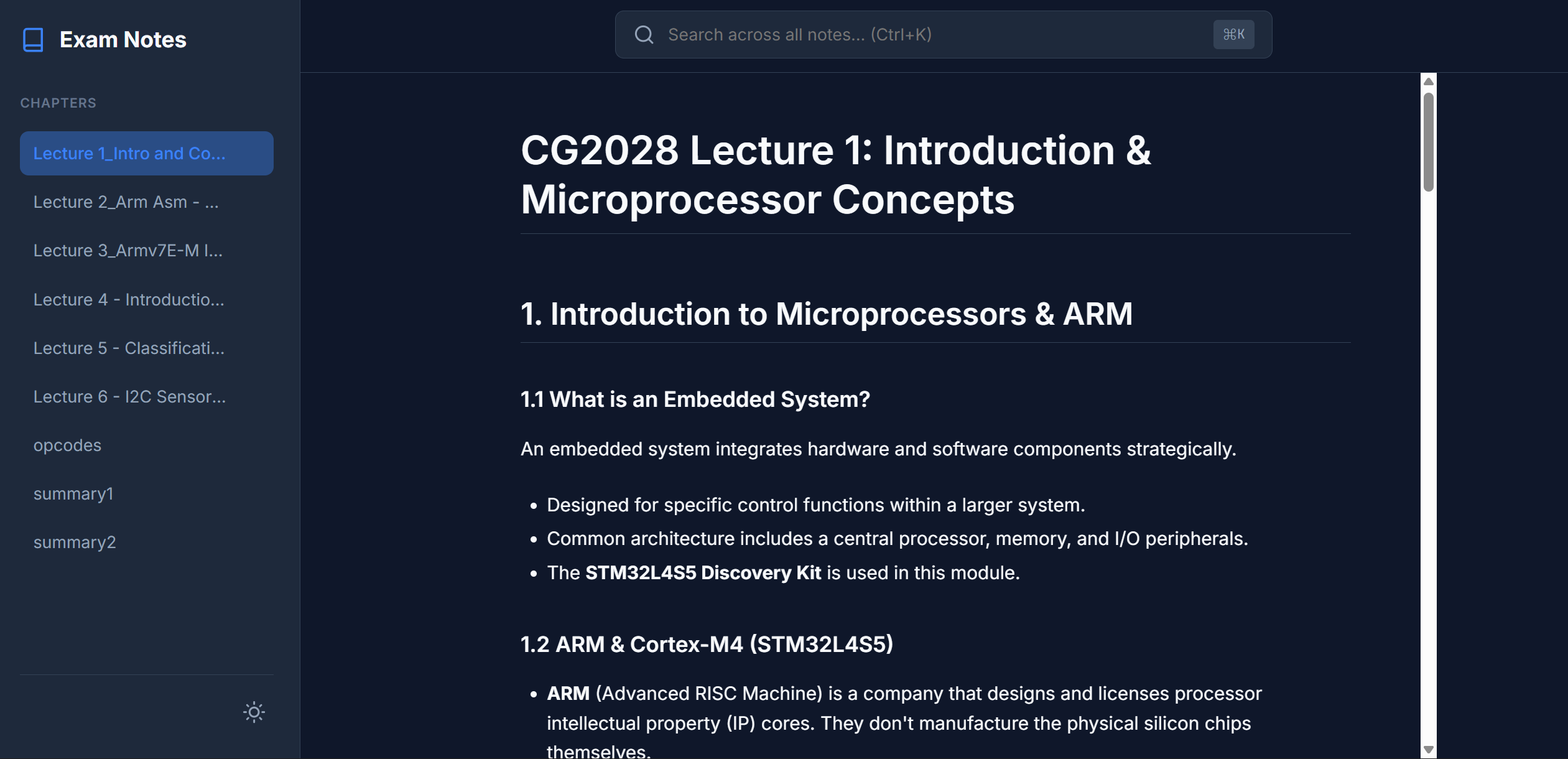 🌙
Dark Mode
🌙
Dark Mode
Easy on the eyes
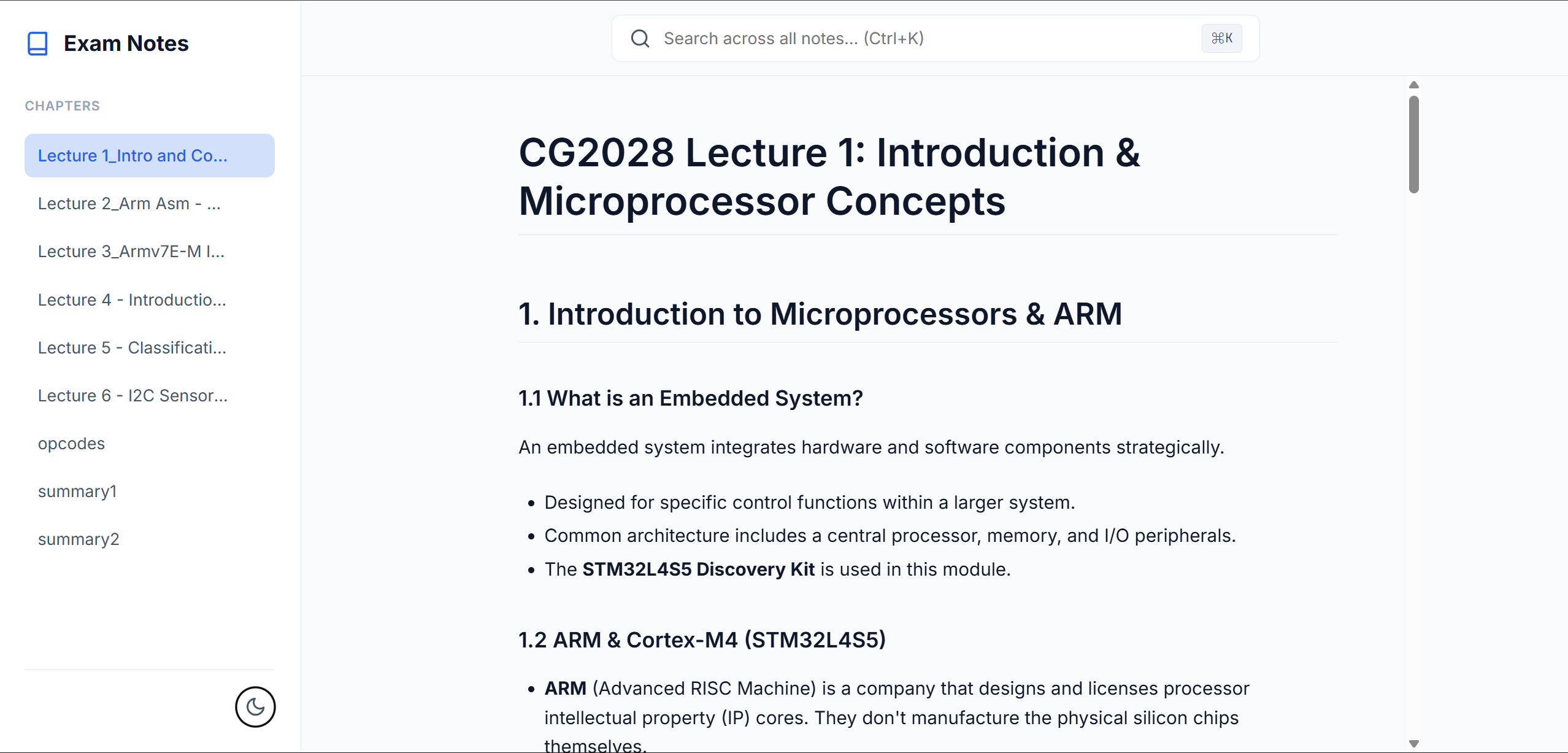 ☀️
Light Mode
☀️
Light Mode
Crisp and clean reading
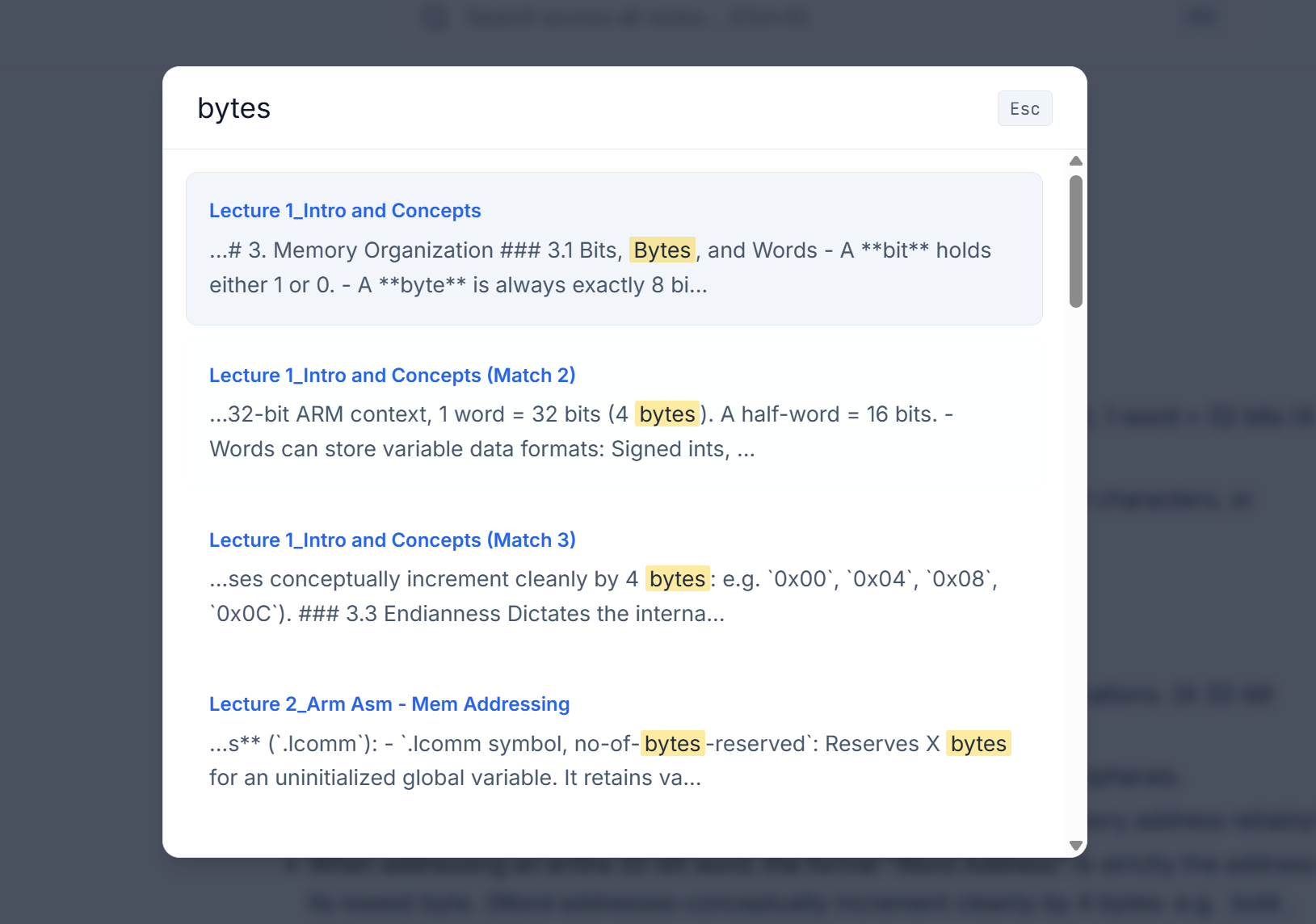 🔍
Global Search
🔍
Global Search
Fuzzy matches instantly (Ctrl+K)
Drop PDFs or images into the input folder and run execute.bat. It automatically
handles text extraction and OCR seamlessly under the hood using PyMuPDF and EasyOCR.
The generated site is 100% static HTML/JS/CSS without any backend, database, or node module dependencies. Put the bundled folder on a thumb drive, and it works perfectly wherever you click it.
A custom full-text search engine scans all generated chapter content globally. Invoke it via
Ctrl+K to instantly find and auto-scroll to specific terms inside lectures across
the entire consolidated knowledge base.
Interact with the built website directly. Delete chapters from the sidebar dynamically if you feel they aren't relevant to your current study session.
The parsing engine executes a structured, multi-stage pipeline triggered purely by Windows batch scripts orchestrating Python processing units: